Branded AI Artwork Approval Guide for Live Events
Use this branded AI artwork approval guide to protect brand identity, speed stakeholder review, and produce attendee-made event merch people want to keep.
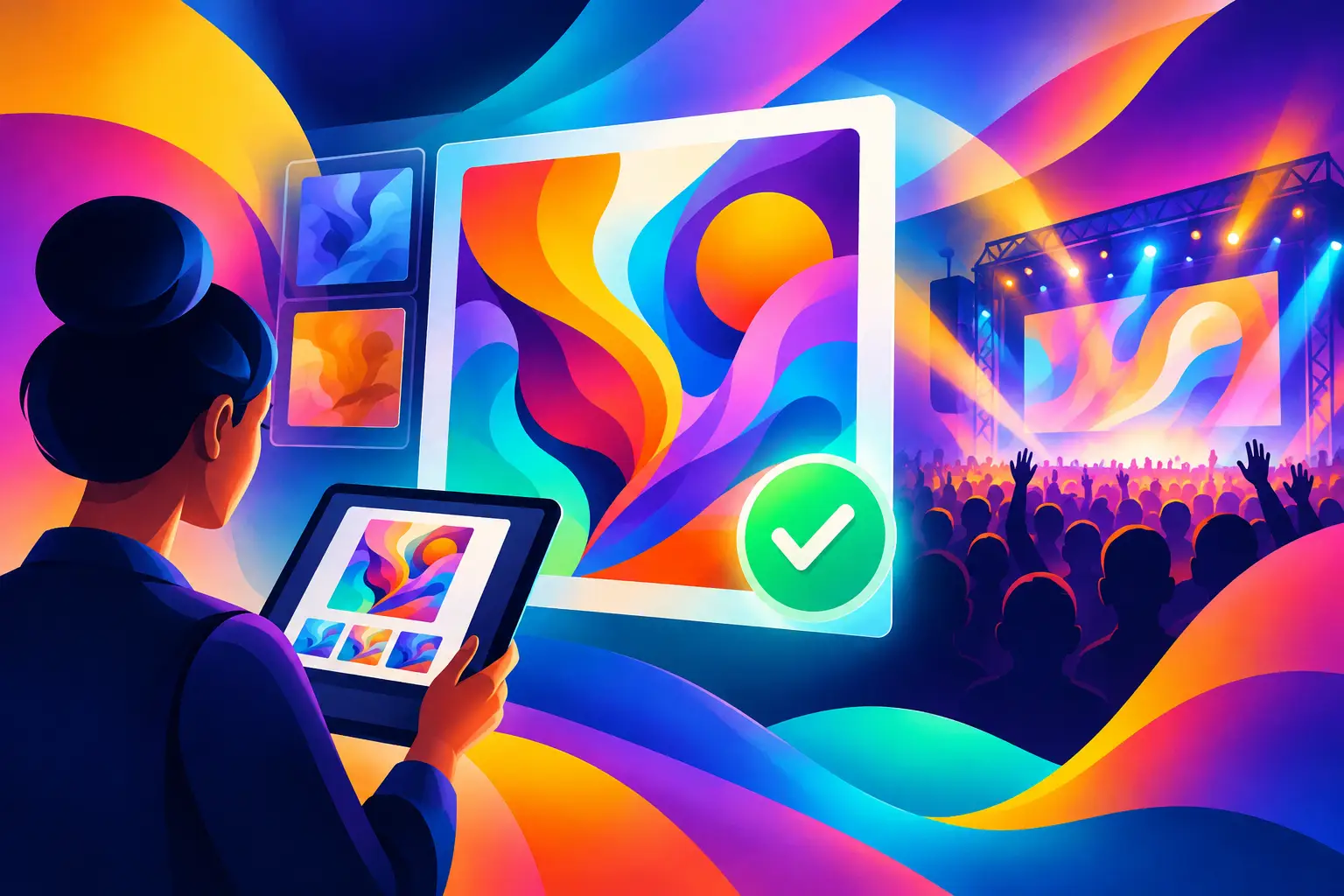
A great live AI merch activation should feel surprising to attendees, not risky to your brand team. This branded AI artwork approval guide helps event marketers turn generative creativity into a controlled, retail-quality experience - without reducing every guest to the same logo on the same giveaway.
The goal is not to approve thousands of individual outputs before an event. That would defeat the point of personalization. The goal is to approve the creative system: the visual territory, the guardrails, the inputs, and the production standards that shape each one-of-one result.
Approve the Experience, Not Just the Artwork
Traditional promotional merchandise has a simple approval path. Someone approves one shirt graphic, then orders 2,000 identical shirts. A live AI activation changes the equation. Attendees may select styles, enter prompts, choose colors, add a name, or generate imagery inspired by the campaign. The product is personal, but the brand still has to feel present and protected.
That means your approval process needs to answer a different question: what should every possible output have in common?
For some brands, the answer is a tightly defined campaign world - a specific palette, icon set, photography treatment, and logo lockup. For others, it is a broader cultural point of view, such as retro athletic graphics, editorial fashion illustration, surreal botanical art, or collectible trading-card energy. Neither approach is automatically better. It depends on how much expressive range the campaign can support and how closely the merchandise must align with a product launch, sponsorship property, or established visual identity.
The best activations give attendees room to make something that feels like theirs while making sure the final product unmistakably belongs at your event.
Start With a Clear Creative Territory
Before anyone reviews sample AI designs, define the creative territory in plain language. Avoid vague direction like “make it modern” or “make it cool.” Those phrases create review loops because every stakeholder fills them with a different meaning.
Instead, describe the intended result as a creative brief your agency, event producer, legal team, and production partner can all use. Name the audience, the emotional response, the visual references, and the boundaries. A tech conference might want polished future-facing graphics with bright dimensional shapes. A sports sponsorship might call for bold type, controlled team-color use, and high-energy motion cues. A fashion-forward festival could allow more visual experimentation but prohibit anything that competes with the sponsor mark.
Then identify what cannot move. Usually, that includes logo treatment, approved colors, product claims, partner marks, licensed characters, and any protected campaign visual. These are fixed elements. AI-generated artwork can be the expressive layer around them, not a substitute for them.
Build a reference set stakeholders can react to
Words alone are not enough. Create a small, intentional set of example outputs that shows the range you plan to offer. Include a few designs that are straightforwardly on-brand, a few at the outer edge of what is acceptable, and one or two examples that are clearly out of bounds.
This is where approvals become faster. Stakeholders are far more likely to agree on “not too much like this” than on a paragraph of abstract creative language. The reference set should also show how designs will look on the actual merchandise. A graphic that works on a screen may fail on a tote, distort around a phone case, or lose detail when printed at event speed.
Create Guardrails Before Attendees Generate
The strongest AI artwork systems are designed with controls built in. Do not rely on an on-site team to make subjective brand calls for every guest standing at the kiosk. That creates inconsistent decisions, slow lines, and unnecessary pressure on staff.
A practical branded AI artwork approval guide should document four guardrail categories:
- Brand rules: Approved logos, clear space, placement, color use, typography, campaign language, and partner branding.
- Creative rules: Allowed styles, image treatments, composition preferences, prohibited aesthetics, and how far personalization can go.
- Safety rules: Restricted prompts, offensive content filters, adult-content exclusions, hate symbols, political messaging, and impersonation concerns.
- Production rules: Print area, resolution, color limitations, material compatibility, finishing requirements, and what happens when an output is not printable.
These rules should be specific enough to guide configuration, yet flexible enough to preserve the magic of generation. If every output is forced into a rigid template, you are back to a standard merch table with extra steps. If the rules are too loose, the brand is gambling with every print.
Decide What the Guest Can Control
Attendee control is where an activation becomes memorable. It is also where brands need to make informed trade-offs.
Open-text prompting creates the widest range of results and can feel highly personal. It also requires stronger moderation and a more generous approval framework. Guided options - such as selecting a mood, style, color direction, mascot, or event-specific theme - provide more control and move guests through the experience faster.
For high-volume trade shows, guided choices are often the right call. Guests want a product quickly, and the campaign may need clean visual consistency across hundreds of pieces. For premium hospitality, smaller brand events, or culture-led festivals, a more open creation flow can be worth the added complexity because the resulting products become better conversation starters and stronger social content.
A useful middle ground is constrained personalization. Let attendees add a name, choose among approved creative modes, or answer a short prompt that drives the design without exposing the system to every possible request. One of infinity - not one of four - does not require one of chaos.
Review the Full Production Chain
Artwork approval is only one part of brand protection. A visual that looks approved in a presentation can still disappoint if the blank garment feels thin, the print area is undersized, or the color output shifts under production conditions.
Review actual samples on the exact products planned for the event. Look at the artwork from normal viewing distance, not only from six inches away. Check the print against dark and light merchandise when both are in play. Make sure small type, fine details, and light gradients survive the production method. Premium blanks and retail-grade finishing matter because attendees judge the brand through what they take home.
This is also the moment to approve the guest-facing interface. The selection screen, prompt language, preview step, and pickup flow should all sound and look like the campaign. A generic interface can flatten an otherwise distinctive activation.
Live Printing AI plans these details from the event brief through on-site production, so the creative concept is evaluated as a real physical experience, not just a deck of attractive mockups. With prints produced in under thirty seconds, the setup must support both quality and flow.
Assign Decision Rights Before the Review Meeting
Approval delays usually come from unclear ownership, not bad design. If brand, legal, agency, event operations, sponsor partners, and procurement all believe they have final say, a small adjustment can turn into a week of emails.
Set one creative approver and one brand or legal approver. Everyone else should be clearly positioned as a contributor, consulted expert, or informed stakeholder. Establish deadlines for feedback, specify that comments should be consolidated, and identify what changes require another round of review.
For high-visibility activations, create an escalation path for edge cases. The on-site lead should know who can approve a last-minute request, a partner logo update, or a design issue that cannot be solved through preconfigured rules. Most events will never need that path. The value is that the team has it when the room gets busy.
Run a Pre-Event Stress Test
Before show day, test the system like an attendee who has never seen it before. Use expected prompts, weird prompts, misspellings, ambiguous requests, and attempts to push beyond the intended creative territory. Generate enough designs to see patterns, not just a handful of hero images.
Then test the operational reality. Can a guest understand the choices quickly? Does the preview set correct expectations? What happens when a design includes too much detail for the product? Can staff redirect a guest without making the interaction feel restrictive?
The best fixes are invisible to attendees. They experience a fast, expressive moment and leave with something worth wearing, carrying, or posting. Behind that moment is a well-approved system doing exactly what it was designed to do.
A strong approval process does not make AI artwork less creative. It gives creativity a stage sturdy enough to perform on. When your guardrails are clear, your team can stop debating every hypothetical and start producing event merchandise people will actually remember.
Ready to run an activation like this?
Start with the AI Product Generator or get a custom quote for your next event.